
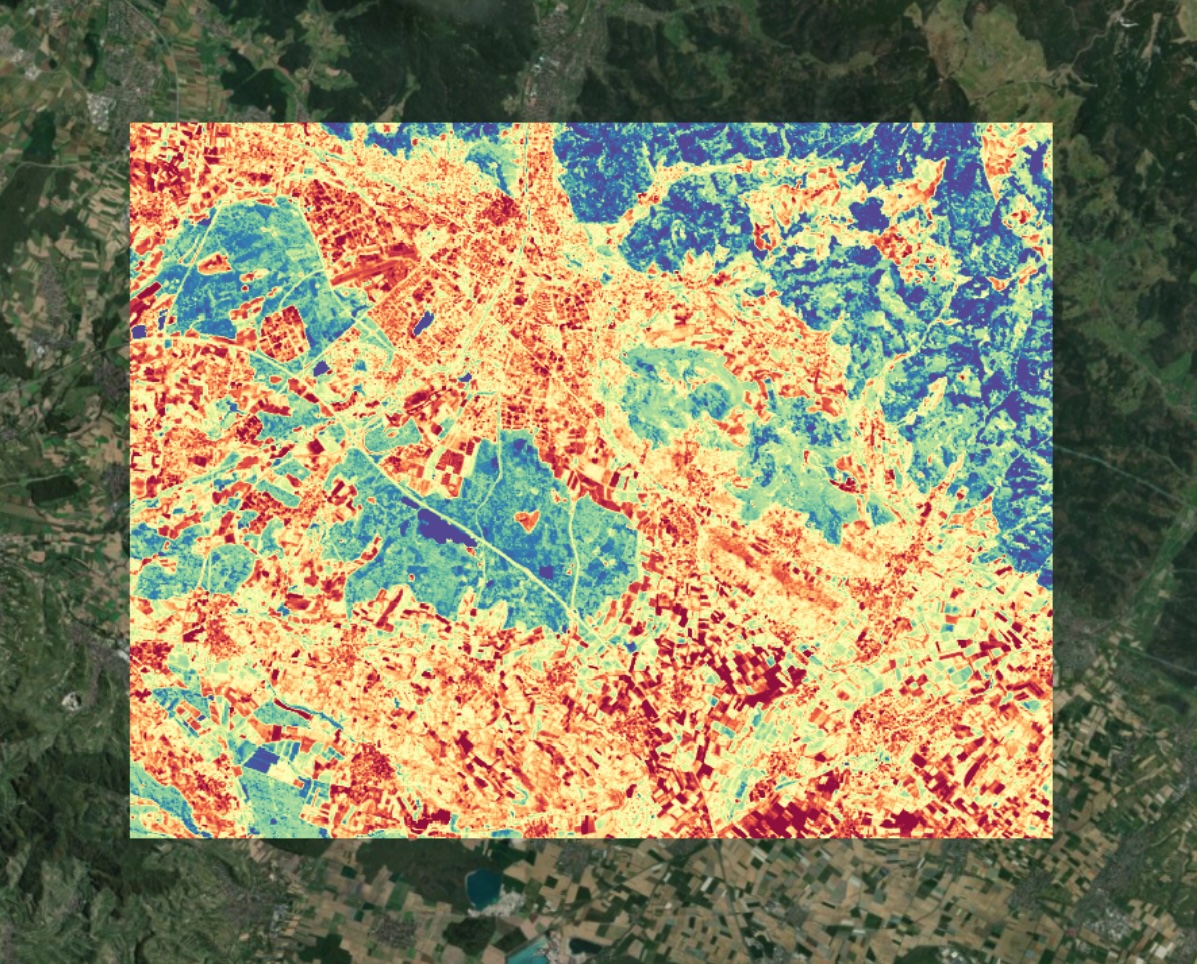
constellr - Land Surface Temperature
Constellr provides continuous global Land Surface Temperature (LST) data. LST offers insights into the thermal dynamics of Earth's surface, making it a powerful tool for a wide range of scientific and practical applications, such as agriculture, water management, and infrastructure planning.
Starting in 2025, constellr will acquire its own satellite-based thermal information with the launch of the first and second satellite in the HiVE constellation (LST Precision dataset). This constellation of satellites will offer unmatched data quality and detail with seamless continuity and integration, enabling informed decision-making to improve living standards and protect our planet.
Constellr’s precursor product also provides high-resolution LST (LST30 dataset). Thermal datasets from public missions are spectrally and spatially harmonized using a proprietary LST retrieval algorithm, delivering a dataset ready for analysis.
Constellr has partnered with DLR to make this dataset available to researchers interested in exploring the use of Land Surface Temperature for various applications, including agriculture, urban monitoring, forestry, and other fields.
Technical specifications:
| LST30 | LSTprecision | |
|---|---|---|
| Spatial resolution | 30m | Native 30m |
| Frequency | Up to every 8 days | Every 4 days |
| Availability | 2014-ongoing | 2025-ongoing |
| Launch Date | Available today | Q2 2025 |
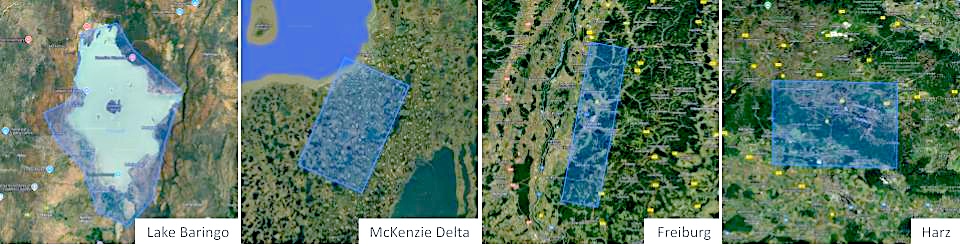
Data coverage:
- LST30:
- Freiburg / Germany (2022 - 2025)
- LSTprecision:
- Freiburg (2 parts - north & south) (2025)
- Harz (2025)
- Lake Baringo (2025)
- McKenzie Delta (2025)
Please note: additional data sets will be available on request - please contact us for further information (see section "Data access")
Usage requirements
- Registration: yes
- Cloud resources: no
- Individual request: yes (to establish access)
Data access
These data are available for research projects and on request only - a specific approval workflow applies:
- Go to Tenant Manager, login.
- Make sure that your user profile is assigned to an "Organization". To check this, navigate to "Configuration" and "Organization". IMPORTANT: Before creating a new organisation, please check whether one has already been created for your employer or project. Please contact the administrator / person responsible for your EO-Lab project.
If in doubt, please send us a support request in advance! - After the assignment (or creation) of an Organization, a new option will appear in the menu on the left under "Support", called "Data application".
- Create a "Data application" (link in the left side menu) for the "Thermal Data". Fill out all the necessary input fields and submit your request. You will be notified after the evaluation.
- Following a succesful evaluation of your application, you will automatically have access to all available archived data under /eodata/constellr.
More information
More information can be found here on the constellr documentation site: